

Endura Platform
Logging In
Logging in to the Endura Platform
Once your account has been approved, you can sign in to Endura at any time using your registered email address and password. This section will guide you through the login process and show you how to securely access your dashboard and platform features.

To access your Endura profile, follow these simple steps to log in:
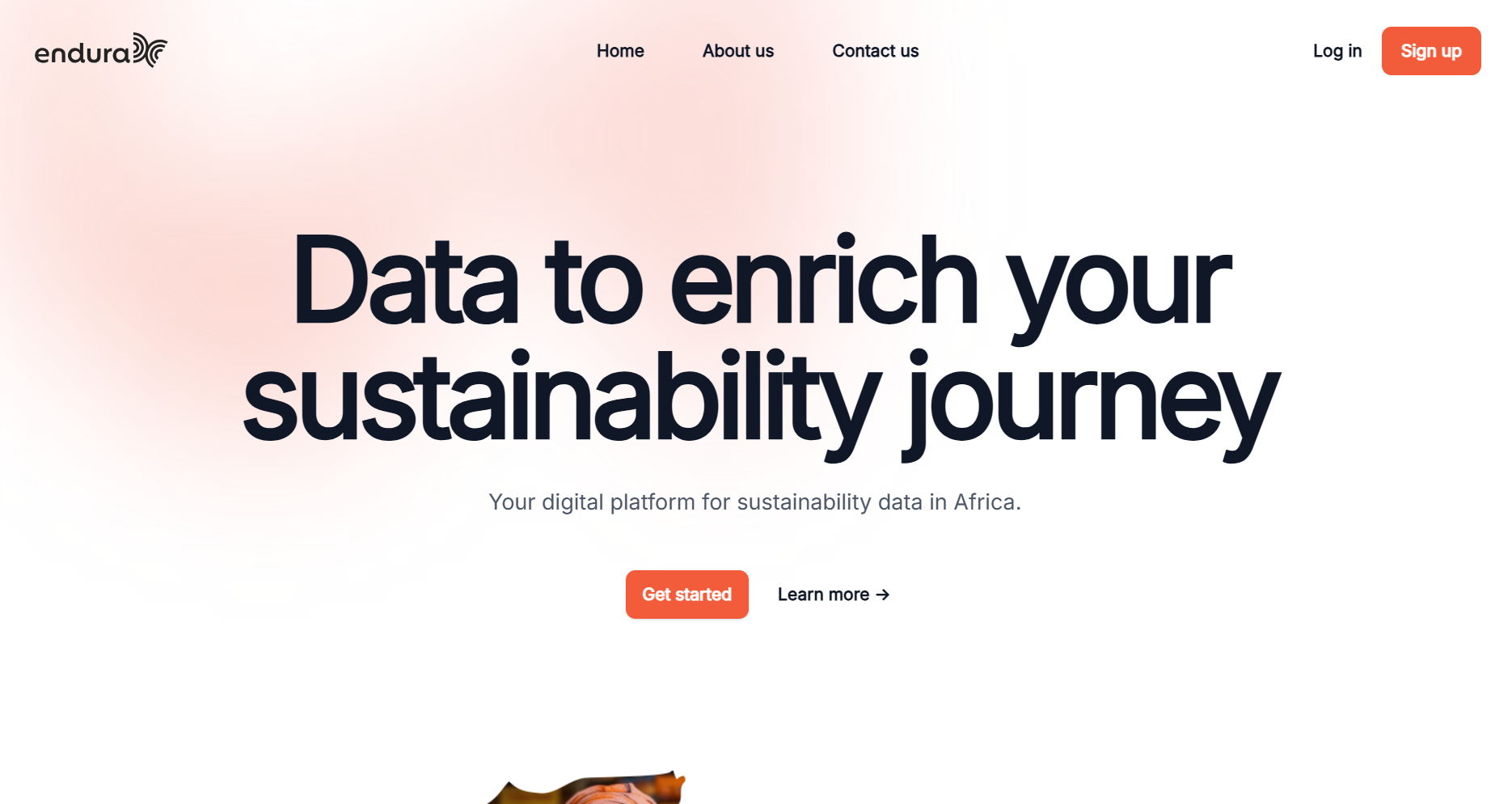
- Navigate to the Endura Login Page by selecting "Log in" on the landing page.
- Enter the email address associated with your account.
- Enter the correct password you created during the sign-up process.
Start Using Endura
- Access Your Dashboard: Once you've logged in, you'll be directed to your Endura dashboard where you can start managing your entities, portfolios, and ESG data.
